Scan QR #1 (live login token)
Open Energizer Connect or Smart Life → scan QR to authorize Grok camera access.
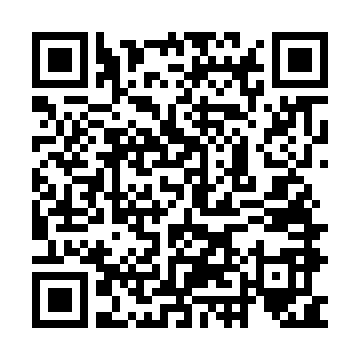
Refreshes with this page (~90s). Token prefix: …
Region: Canada / United States (us-west)
Account: gmhomeier@gmail.com
User code: BtQpzuLA6
Open Energizer Connect or Smart Life → scan QR to authorize Grok camera access.
Refreshes with this page (~90s). Token prefix: …
If the app asks for a user code instead, try this QR:
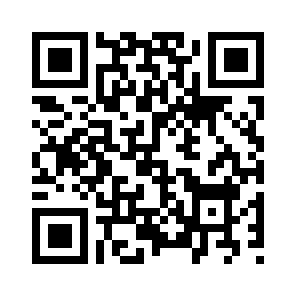
Waiting for scan…